
How to Book at Formation
We have a fancy-shmancy new back end system which will be much easier for you to use.
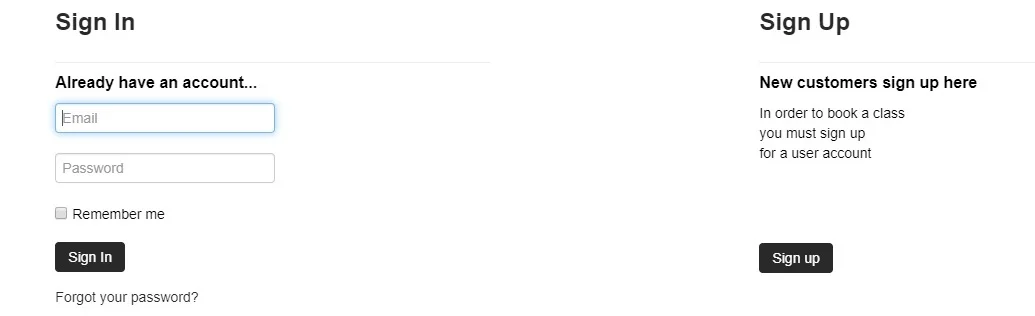
Step 1: Create a new account.
Step 2: Buy classes.

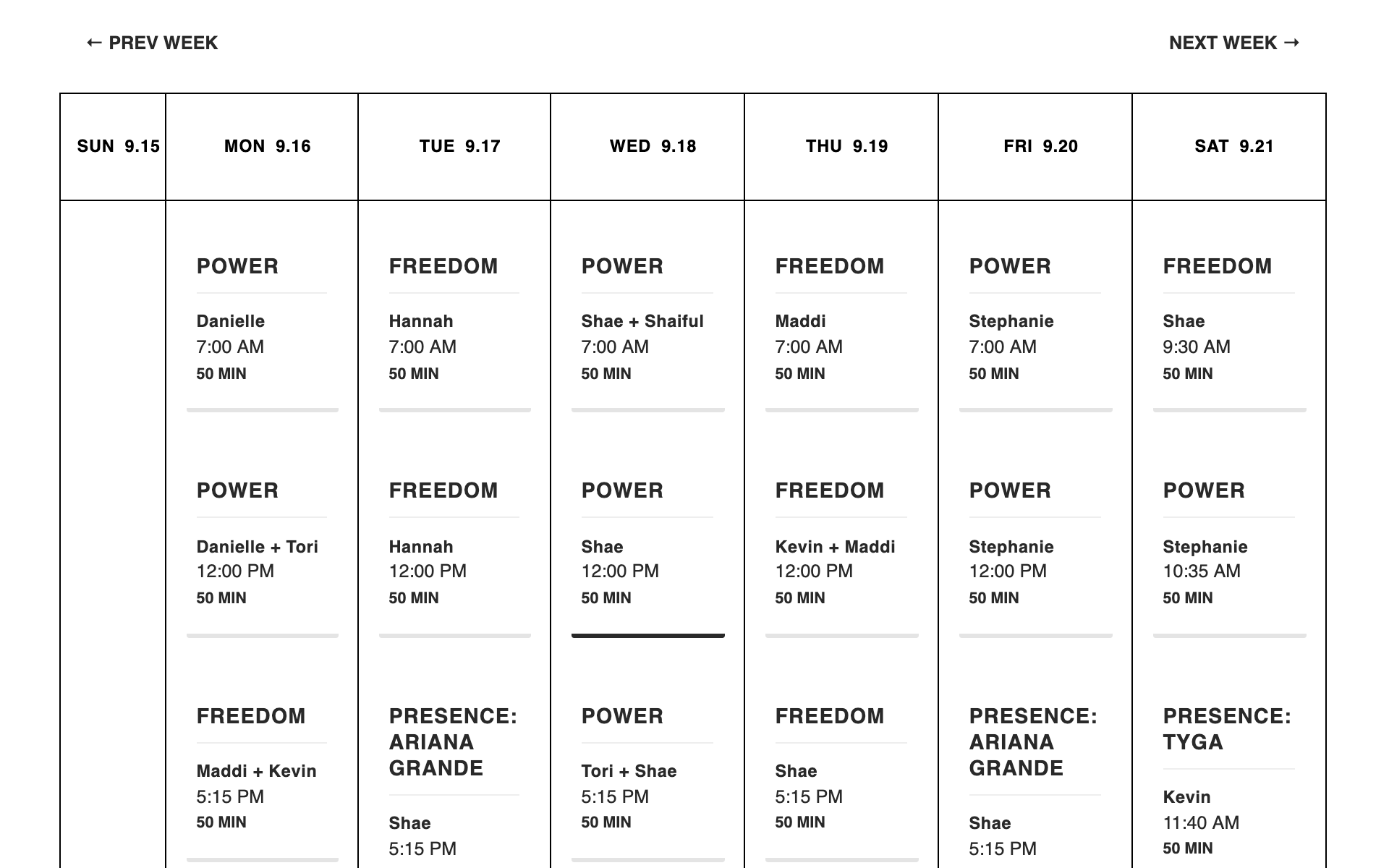
Step 3: Click in to book your selected class.
BAM. YA DID IT!
Pro tip: View Your Account
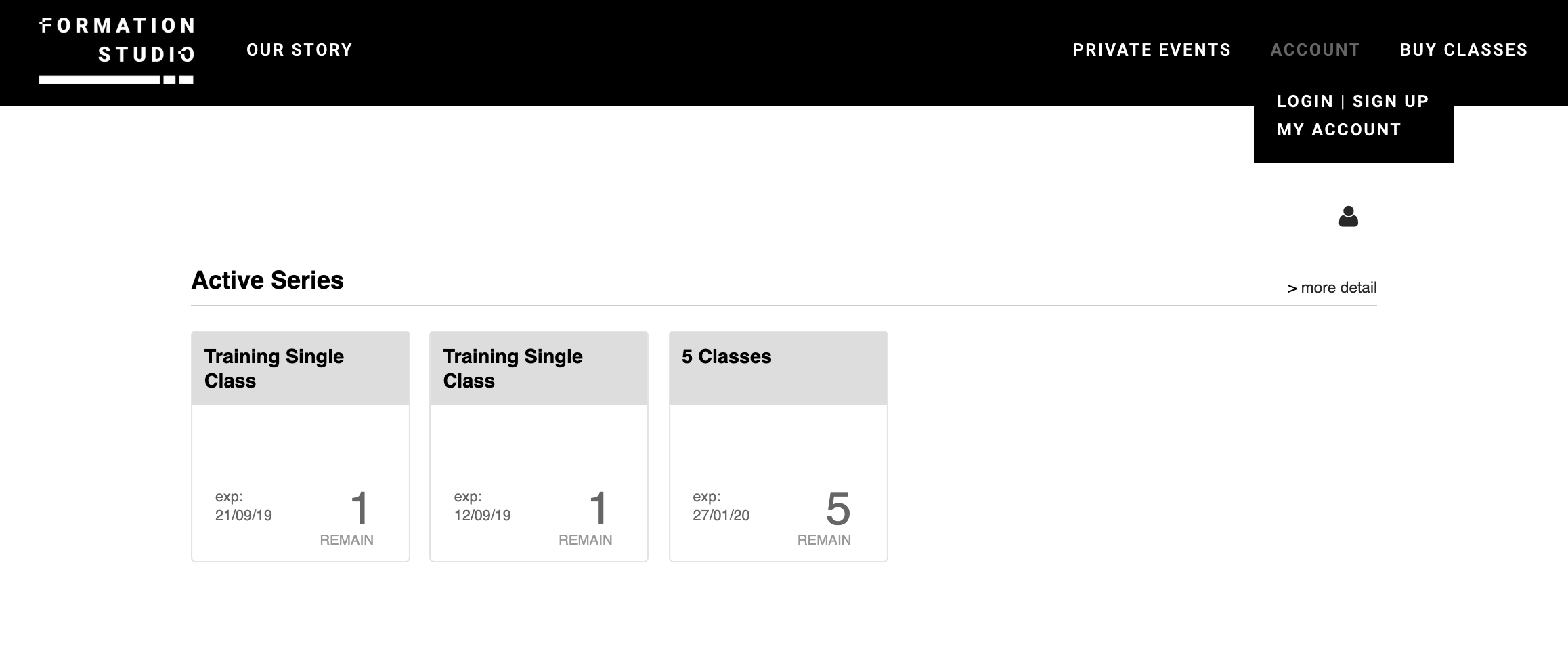
Once you’ve logged in, you can view your account by clicking MY ACCOUNT.
Pro tip: View Upcoming and Past Classes
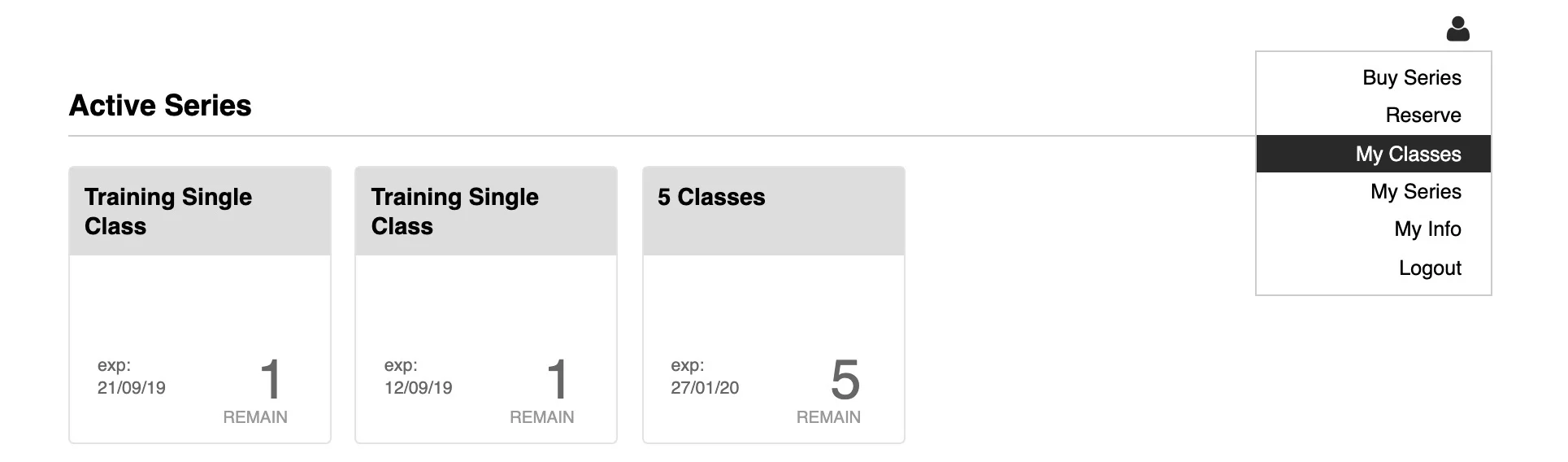
Click into the person icon to see more options. My Classes will show you upcoming bookings and history. My Series will show you purchase history and active credits.
Pro tip: Cancel an upcoming booking.
Go to My Classes and click Unreserve. Cancel with at least 12-hours notice to avoid the $15 late-cancel fee.

More Pro Tips!
There is no longer a workshop format. You will book in for every class you would like to attend.
If you had class credits at RSVP 33, let us know and we’ll move the value over.
If you’re on a desktop you can hover over the class title to see more details, like what song we’re doing in Presence or if it’s part one or two.
On mobile, you can save this page as a short cut on your home screen which will act like an app.
Two weeks of bookings are released every Sunday evening at 7PM so keep an eye out to get into your favourite classes.
If you have any questions or get stuck, give us a shout and we’re happy to help get you set up!